PayPal credit cards have become a popular choice for people who value convenience and extra payment security when shopping online.
This guide is for anyone curious about getting a PayPal credit card, wanting to understand requirements, and seeking clarity before making a financial decision.



If you’re aiming to expand your digital payments toolkit, learning about PayPal’s credit options could open up new opportunities for fast, flexible purchases.
Understanding What a PayPal Credit Card Is
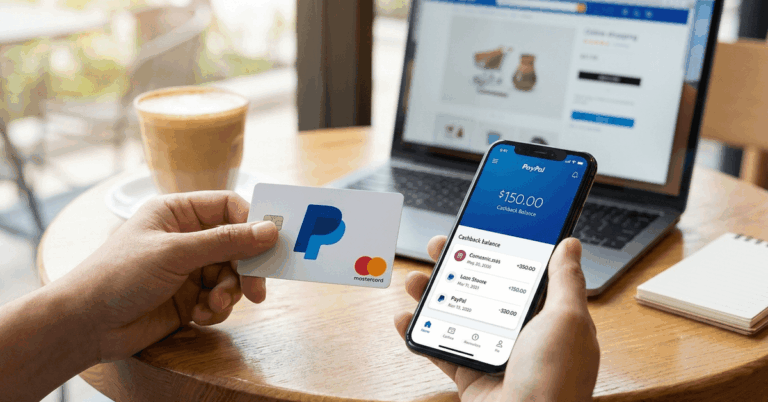
PayPal offers several financial products, but not all of them are traditional credit cards. When most people refer to a “PayPal credit card,” they usually mean either the PayPal Cashback Mastercard or PayPal Extras Mastercard.
Both options allow users to shop wherever Mastercard is accepted, while earning rewards linked directly to their PayPal account. Some may be interested in PayPal Credit, a line of credit for online checkout, though that is technically different from a credit card.
Why Consider a PayPal Credit Card?
For those who make frequent online purchases, a PayPal credit card can provide a more seamless shopping and payment experience.
You can keep your financial information private since PayPal manages the transaction, which adds a layer of safety.
Rewards programs linked to your card can be appealing for regular users who want to get the most out of each purchase made through PayPal or at traditional retail stores.
Rewards and Cashback Benefits
The PayPal Cashback Mastercard offers a flat-rate 2% cashback on every purchase.
For those who prioritize simplicity, earning the same rewards rate everywhere is attractive, eliminating the hassle of monitoring categories. Meanwhile, the Extras Mastercard features a points system.
Established Security Features
Continuing the emphasis on digital transaction security, PayPal credit cards use the same monitoring systems that detect unauthorized activities, helping to reduce worries about fraud. Mastercard’s protections are in place as well.
Eligibility Criteria and Basic Requirements
The application process for a PayPal credit card is fairly straightforward, but some requirements should be kept in mind.
Applicants must be a resident of the United States, at least 18 years old, and need an active PayPal account in good standing before starting the process. Your credit score is a factor, so it helps to have a fair or good credit history before applying.
Minimum Credit Score Expectations
Most applicants will need at least a ‘good’ credit score, generally in the range of 670 and above. Those with weaker credit might find approval more difficult, so reviewing your credit profile ahead of time is wise.
Required Documentation
Applicants will need basic identifying information, such as social security number, address, and income details. PayPal requires honesty and accuracy since the issuing bank, Synchrony Bank, will verify these details as part of the review.
Step-by-Step Guide: How to Apply for a PayPal Credit Card
Step 1: Access the Official Application Portal
The application begins on the PayPal website. After logging in to your account, visit the dedicated PayPal credit card page, which can be found here: PayPal Credit Card Official Page.
Step 2: Review Terms and Choose Your Card
The site presents both credit card options with clear explanations about features, rewards, and terms. Thoroughly reviewing these details is recommended to determine which card is best suited to personal payment habits and financial needs.
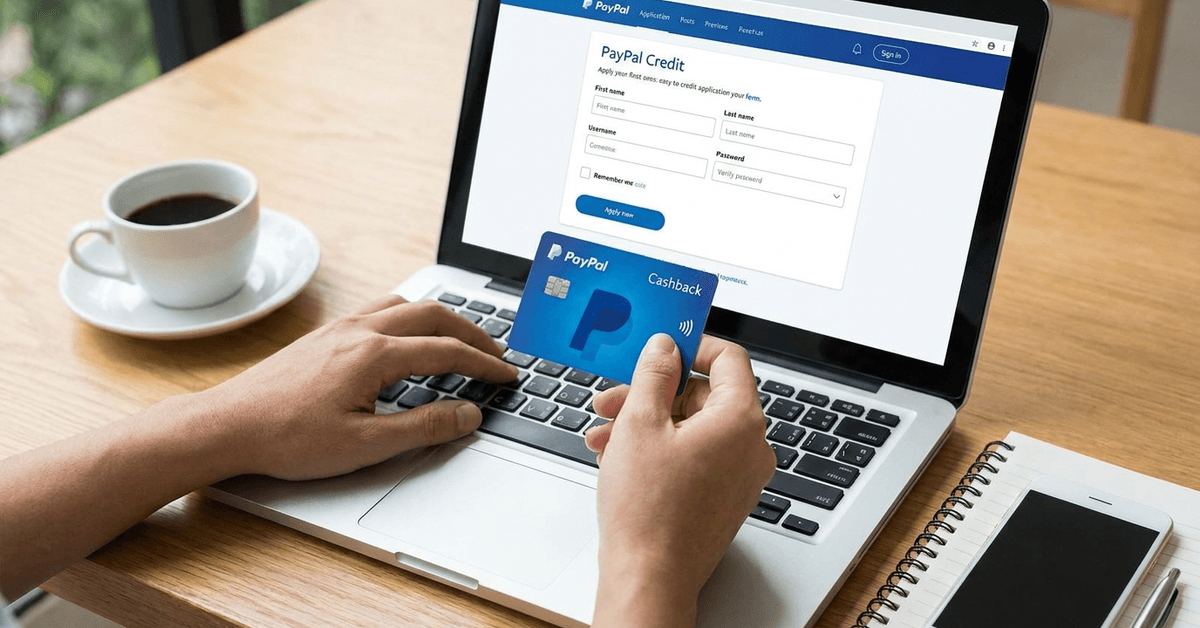
Step 3: Fill Out the Application Form
An online application form requests typical details: your full name, home address, date of birth, yearly income, and social security number. Take care to enter each piece of information correctly, as mistakes can delay decisions or even trigger a denial.
Step 4: Consent and Submit
PayPal provides all mandatory disclosures and asks applicants to accept the terms, particularly those concerning Synchrony Bank. Reading the cardholder agreement and privacy policies is always wise, even though it sometimes feels tedious.
Step 5: Instant Decision or Additional Review
Some applicants will see an instant approval or denial message. Others may be asked for additional information or face a short waiting period. Usually, decisions are returned within minutes, but in rare cases, more thorough verification may stretch processing time.
Step 6: Card Delivery and Activation
If approved, your physical card will arrive by mail, often within two weeks. Follow the activation instructions provided with the envelope, usually via phone or within your PayPal dashboard. Adding the card to your PayPal account is intuitive and allows for quick integration into your purchasing routine.
PayPal Credit vs PayPal Credit Card: Key Differences
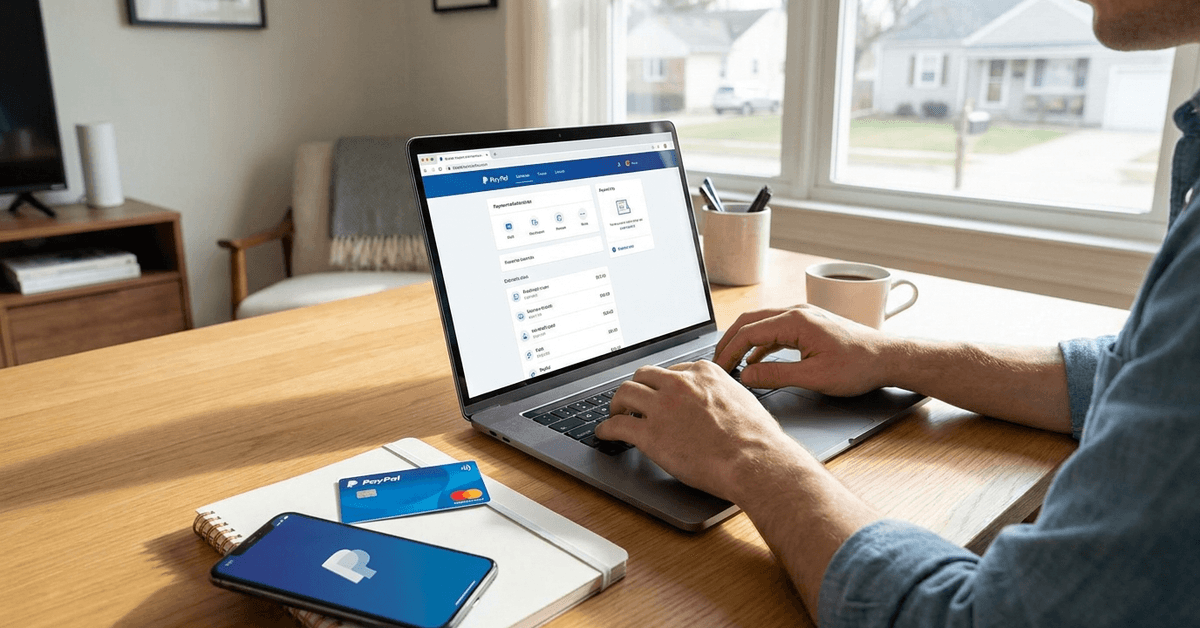
Some confusion still surrounds PayPal Credit and PayPal-branded credit cards. PayPal Credit is technically a revolving line of credit for use exclusively at online checkouts that accept PayPal. There is no physical card. On the other hand, PayPal Cashback or Extras Mastercards function like normal credit cards. Both are issued by Synchrony Bank, but have different use cases and reward options.
Managing Your New PayPal Credit Card
After your PayPal credit card arrives and is activated, managing it is best done through the PayPal dashboard. You can view your balance, make payments, and review transaction history. Automatic alerts can be set up for due dates and suspicious activities, which gives added reassurance.
Making Payments and Avoiding Late Fees
Staying on top of your bills prevents costly fees and helps build your credit history. Many find it practical to enable automatic payments from checking accounts or linked bank cards. Account management tools within PayPal’s interface are fairly comprehensive and user-friendly.
Reward Redemption Process
For those using the Cashback or Extras Mastercard, reward redemption is easily handled inside PayPal. Cashback is typically transferred into your PayPal balance, while Extras points can be used for gift cards, merchandise, or travel rewards. Redemption is as simple as selecting an option and confirming your choice.
Tips for Improving Chances of Approval
While there are no guaranteed shortcuts, maintaining a healthy credit score, reducing outstanding debt, and having an established relationship with PayPal can help. Making sure your personal details are accurate, your PayPal account is verified, and your contact information is current all increase the likelihood of smooth approval.
Common Questions About PayPal Credit Cards
Annual Fees and Interest Rates
Neither the PayPal Cashback Mastercard nor the Extras Mastercard charges an annual fee. Interest rates (APRs) vary by creditworthiness; reviewing these on the application page is strongly suggested before moving forward.
Accepted Locations and Transaction Types
Both cards can be used wherever Mastercard is accepted, which means millions of merchants worldwide. They are suitable for in-store shopping, online purchases, and payments on PayPal-supported platforms.
Customer Service and Support
For help with applications or account issues, customers can turn to the official PayPal Contact Center. The bank behind the card, Synchrony Bank, also offers a separate customer support line.
Conclusion and Practical Next Steps
Choosing whether or not to apply for a PayPal credit card is not always straightforward, but for many it offers a blend of convenience, rewards, and enhanced security.
Reviewing your financial situation before applying may help you feel more confident in your choice. As with any major decision involving credit, careful research and self-assessment can lead to positive results and peace of mind in your online payments journey.