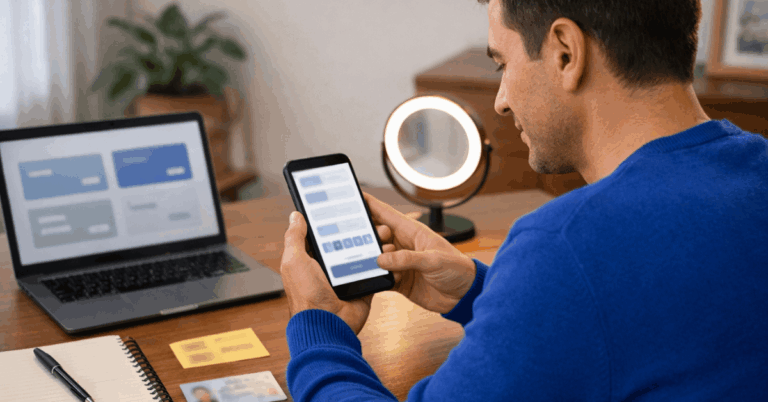
You learn how MACH works and why it is popular in Chile.
This guide explains how to create a MACH Chile digital account, request the card, and start using it for everyday payments.
You also understand the requirements, costs, and controls before you sign up.
What MACH Chile Is
MACH Chile is a digital prepaid account that lets you manage money, make payments, and shop online using an app.
You use it to pay in Chile and abroad without needing a traditional bank account.
Who Can Open a MACH Account
You can open a MACH account if you meet basic legal and identification requirements in Chile.
- Age (18+): Must be legally an adult to register.
- Chilean ID (RUT): A valid RUT is required for verification.
- Mobile Number: An active phone number is needed for access and security.
- Smartphone + App Access: A compatible device is required to use MACH.
- Residency in Chile: Registration is intended for people living in Chile.
What You Need Before You Apply
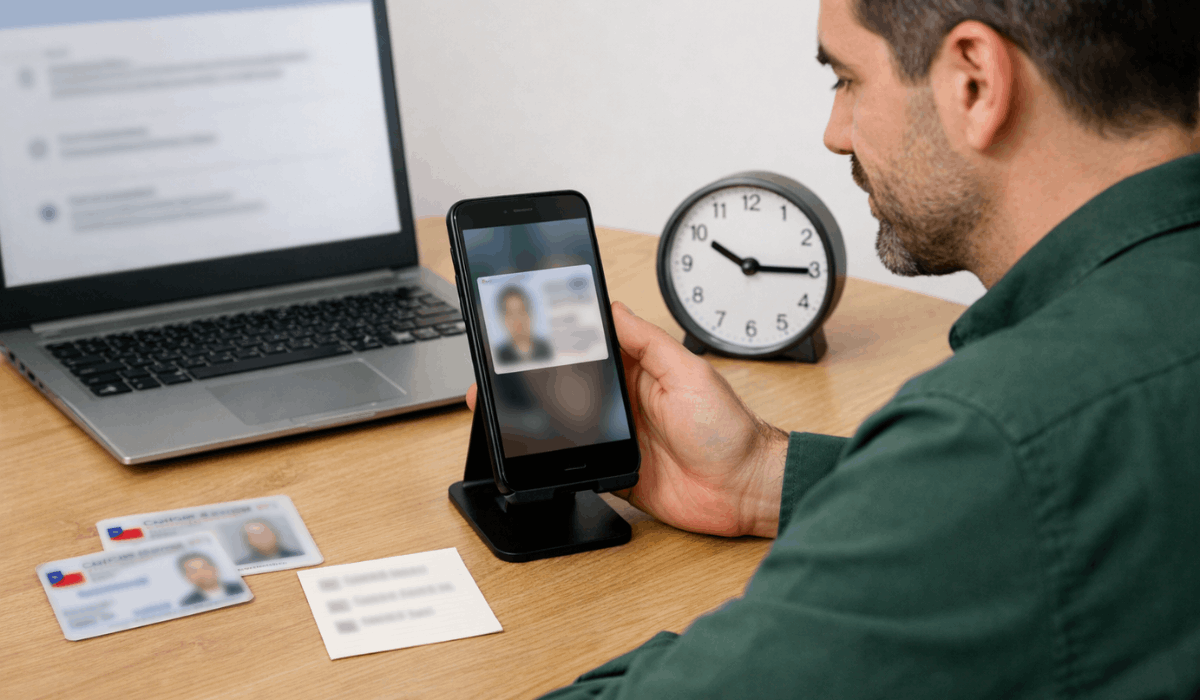
Prepare these items in advance to complete registration without delays.
- Valid Chilean ID (RUT): Required for identity verification.
- Smartphone: Needed to install and use the MACH app.
- Stable Internet Connection: Required during registration and verification.
- Active Mobile Phone Number: Used for account access and security codes.
- Email Address: Used for notifications and account communication.
How to Create a MACH Digital Account
The registration process is completed fully through the mobile app and takes only a few minutes.
- Download the MACH App: Install the official app from the app store.
- Start Registration: Enter basic personal information to begin setup.
- Verify Identity: Confirm identity using the Chilean ID process in the app.
- Confirm Phone Number: Enter and validate the security code sent by SMS.
- Activate the Account: Finish setup and access the digital account immediately.
How the MACH Card Works
The MACH card is linked directly to the digital account and is used for everyday payments.
- Virtual Card Access: A digital card is available in the app for online purchases.
- Physical Card Option: A plastic card can be used for in-store payments and ATM use.
- Prepaid Balance: Spending is limited to the available account balance.
- Visa Acceptance: Payments work wherever Visa is accepted.
- Real-Time Control: Card settings and activity are managed in the app.
How to Request the MACH Physical Card
The physical card request is handled directly inside the MACH app.
- Open the MACH App: Access the card section from the main menu.
- Select Physical Card Option: Choose the option to request a plastic card.
- Confirm Personal Details: Review and confirm delivery information.
- Accept Terms and Fees: Approve any applicable card or delivery costs.
- Track Delivery Status: Monitor the card shipment through the app.
Fees and Costs to Know
Fees are sourced from MACH’s official pages but may change, so check the app before confirming.
- Account maintenance: $0 for maintenance on MACHBANK.
- Top-ups / “recargas”: $0 cost to load money into the account (as stated by MACH).
- Purchases (online and in-store): $0 commission for purchases (as stated by MACH).
- Cash withdrawals (“retiros”): $0 withdrawal fee, with limits: $5,000–$100,000, 2/day, 4/week (other banks’ ATMs).
- Physical card cost: The help center lists the physical card at $4,990 CLP with delivery, or $0 when upgrading a prepaid card to a debit card.
- Physical card delivery timeline: Typical delivery is 4 to 10 business days, Monday–Friday, 09:00–18:00.
- MACH Premium plan (optional): $4,990 CLP (IVA included) for 30 days, renewable.

Using MACH for Daily Payments
Daily transactions are handled directly through the app using the available balance.
- In-store payments: Pay with a physical card or contactless.
- Online purchases: Use the virtual card for websites and apps.
- Transfers to others: Send money to other Chilean accounts.
- Top-ups: Add funds before making payments.
- Balance tracking: Monitor spending in real time through the app.
Security and Account Control
Security settings in the app help protect funds and control usage.
- Card lock and unlock: Temporarily block the card if needed.
- Spending notifications: Receive alerts for each transaction.
- PIN and password control: Change access credentials at any time.
- Transaction review: Check activity to spot unusual charges.
- Account recovery tools: Regain access using in-app security steps.
Pros and Cons Overview
The main advantages and limitations are listed below to help clearly compare MACH.
Pros
- Fast setup: Account creation is fully app-based.
- Virtual card included: Online payments start right away.
- In-app control: Spending and security settings are managed in one place.
- Visa acceptance: Works in many stores and websites that accept Visa.
- Optional physical card: In-store use is easier with a plastic card.
Cons
- App dependency: Access and controls require a working phone.
- Verification steps: Identity checks can fail, causing delays.
- Limits apply: Top-ups, transfers, and withdrawals may have caps.
- Fees may apply: Premium features or delivery may incur additional costs.
- Support may take time: Response speed depends on channel and demand.
Who MACH Is Best For
MACH fits users whose payment habits align with app-based and prepaid account features.
- Digital-first users: Prefer managing money through a mobile app.
- Online shoppers: Need a virtual card for secure online payments.
- Non-bank users: Want payment tools without a traditional bank account.
- Budget-focused users: Aim to avoid monthly maintenance fees.
- Mobile payment users: Rely on app-based and contactless payments.
Troubleshooting Common Setup Problems
These are the most frequent issues during registration and how they are usually resolved.
- ID verification fails: Check lighting, image clarity, and document validity.
- SMS code not received: Confirm phone number accuracy and signal strength.
- App crashes or freezes: Update the app or restart the device.
- Registration stuck in review: Allow processing time or contact support.
- Login blocked: Reset access using in-app recovery options.
Customer Support and Contact Information
Support is provided through official MACH channels designed for account and card issues.
- In-app support: Help and chat options are available directly inside the MACH app.
- Help Center: Detailed FAQs and guides are published on MACH’s official help website.
- Account issues and verification: Requests are handled through in-app tickets after login.
- Card problems: Blocking, replacement, and delivery issues are managed from the card section in the app.
- Official updates: Service notices and changes are communicated through the app and official MACH channels.
Final Takeaway
MACH provides a practical way to manage a digital account and card from a single app.
The setup steps, fees, and security controls help support daily payments with clear limits and tracking.
Download the MACH app, create the digital account, and request the card if it fits your needs.
Disclaimer
Information in this article is for general guidance and may change at any time.
Always check the official MACH app or help center for the most current terms, fees, and conditions.