South African shoppers need a simple application, modern wallet support, and tight control over every transaction. The BankZero Credit Card centers on security, then layers clear approvals, real-time alerts, and wallet taps so you move faster at checkout.
Expect straight answers on how to apply, how security works, and how to manage daily payments without extra fees. Strong digital tooling and mutual-bank discipline make this card a practical fit for individuals, families, and small businesses.
How To Apply For The BankZero Credit Card
A clean setup removes friction and prevents failed verifications later. Registration runs inside the mobile app and finishes in minutes when IDs and a stable data connection are ready.
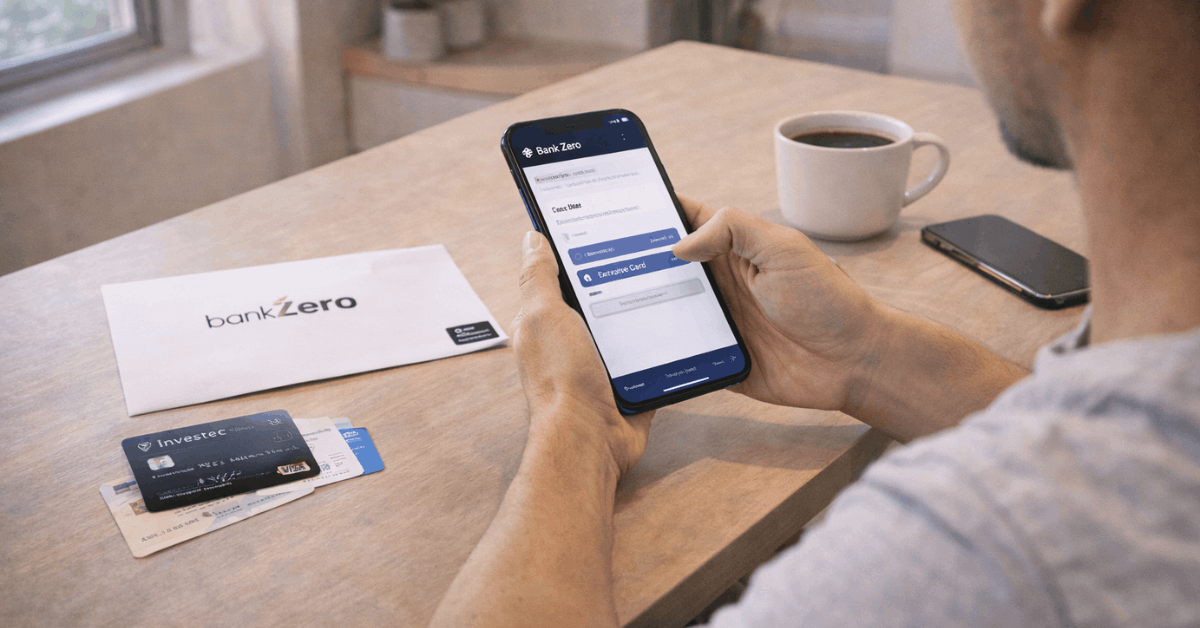
FICA checks require accurate details, so have documents within reach and allow camera permissions for biometrics. Huawei devices without AppGallery access will need an alternative download path since the app is not published there.
Step 1: Get The App
Install the Bank Zero app on a supported iOS or Android device. Launch the app, allow notifications for security prompts, and enable biometrics for quick re-entry during authorisations. Those using Huawei devices should note that the app is not available in the Huawei App Gallery.
Step 2: Register and FICA
Complete the two-step registration that captures proof of ID and facial biometrics. Keep the ID edges visible in frame, avoid glare, and match the selfie angle to the on-screen guides to pass liveness checks.
Registration creates free accounts automatically, which remain dormant until activated, and lets you choose card details when prompted.
Step 3: Choose Card Details and Security
Personalise the card settings, pick a PIN, and confirm delivery if a physical card is required. Enable alerts immediately, since real-time notifications support later fraud checks. Turn on strong device security, because authorisations will rely on the phone.
Under 16 Applicants
Guardians can kick-start profiles for minors by uploading the child’s proof of ID, after which the child sets a unique profile and login. That flow gives younger users full control over their own transactions under the guardian’s umbrella.
Security and Control Features
Security decisions happen at the card, app, and payment-network levels. Bank Zero’s patent-based card design aims to reduce data theft risk, while 3-D Secure approvals or merchant whitelisting cover online payments. Alerts and granular locks close gaps around debit orders, taps, and ATM use. Treat these tools as everyday hygiene rather than emergency switches.
Zero Card Fraud Claim And 3-D Secure
Bank Zero markets a “Zero Card Fraud” approach tied to patented card security and approval flows.
Online purchases route through 3-D Secure, where available, prompting confirmation in the app before funds are released from the account. When a website lacks 3-D Secure, approvals depend on rules that you control, rather than silent pass-throughs that surprise later.
Bank Zero Card Subscriptions
Merchant-specific rules called Bank Zero card subscriptions allow auto-approvals only for stores you explicitly trust.
Set a subscription for a recurring merchant, then monitor alerts in case the store changes descriptors or attempts unexpected amounts. Remove any subscription that no longer fits your spending pattern.
Easy Card Control
Granular switches let you lock the whole card or narrow the lock to ATM use, online transactions, or taps below a set threshold. Limit tap-to-pay for small purchases if needed, and unlock only during checkout. Delegate online transaction approvals to a trusted person when traveling or during device repairs.
Zero Debit Order Surprises
Expect warnings before any debit order runs. New debit orders appear as red tasks that require approval, which stops unknown mandates from hitting the account.
Existing mandates trigger just-in-time alerts that help you manage cash flow and reject items that look incorrect. Practical familiarity with PASA debit order rules helps when disputes arise, since mandates must be valid and auditable.
Phone Taps and Digital Wallets
Apple Wallet and Google Wallet support means contactless payments work across terminals that accept standard network taps.
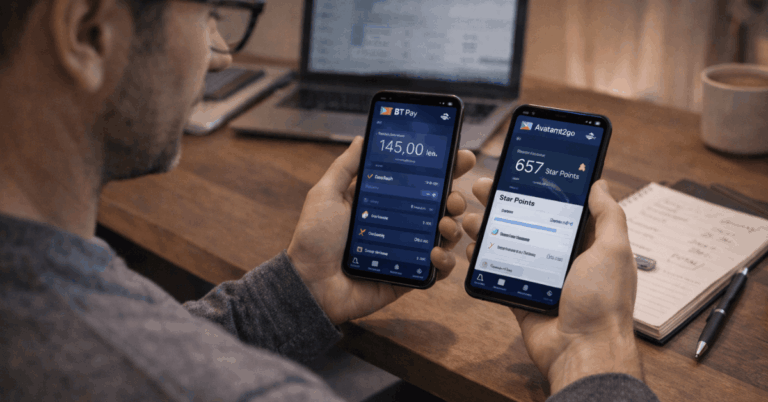
Add the card in-app or through the wallet, pass the verification prompt, then keep the device unlocked during tap. Some households also add the card to a trusted family member’s wallet; apply strict limits and monitoring if using that setup.
Shared Accounts and Relationship Banking
Shared tiles let families, clubs, stokvels, and co-owners view balances, add money, and track transactions without withdrawal rights. Assistants and staff can load payments for approval, which accelerates admin while preserving final control.
These small governance steps reduce mistakes in busy households and volunteer treasuries, since preparation and authorisation stay separate.
Business and Commercial Banking Extras
Small businesses benefit from the same controls plus add-ons that remove manual work. iKhokha card machines link seamlessly to a Bank Zero business account after a once-off device purchase, which avoids monthly rental fees.
Direct connections to Xero pull transactions into the ledger for daily reconciliation, while CSV uploads handle edge cases. Multi-level authorisations allow owners to drag approvers into position, so mandates match real-world roles without long phone calls to support.
Rates Snapshot and Savings Options
Interest rates move as the South African Reserve Bank adjusts the repo rate. The repo sat at 6.75 percent after the November 2025 cut, and the SARB’s selected historical rates show 6.75 percent on January 16, 2026.
Pricing on fees is typically fixed for the year, although rates on savings and notice accounts adjust as policy shifts. The small table below summarises snapshot figures published by Bank Zero, with an effective date of November 21, 2025.
| Product | ≥ R1k | ≥ R100k | ≥ R1m |
| Savings | 5.40% | 6.15% | 6.25% |
| 7 Day Notice | 5.40% | 6.43% | 6.60% |
| 32 Day Notice | 5.70% | 6.74% | 6.90% |
| 45 Day Notice | 5.75% | 6.84% | 6.97% |
Treat these as reference points and check the latest schedule in-app whenever the repo changes. Rate tiers step up as balances climb, so parking operational cash or stokvel funds in the correct bucket improves returns without extra complexity.
Downloads and Reporting
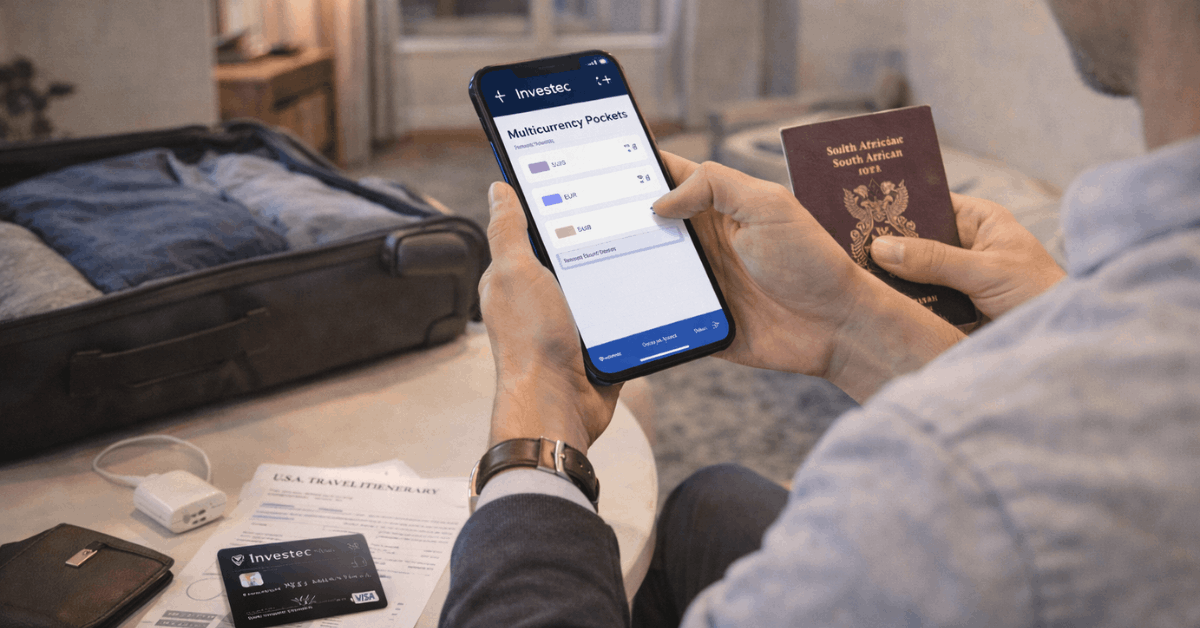
Transaction history can be exported directly to Excel inside the app. Swipe to the required date range, tap the Excel icon, and save the file for analysis or an accountant upload.
Businesses handling payroll or supplier runs can also use Pay Many on one screen or import recipient lists via CSV, then keep reconciliation clean through Xero feeds.
Fees and Availability Notes
Zero monthly fees headline the product across individual and business profiles. Card machines for merchants carry once-off device costs through iKhokha rather than a rental model, which suits seasonal traders and pop-up stores.
App distribution excludes Huawei App Gallery, so Huawei users may need a compatible device for setup and authorisations. Interest rates fluctuate as policy moves, so rate checks should accompany cash-management decisions each quarter.
Apply Today: Here is Your Quick Checklist
Gather SA ID, a stable data connection, and space with good lighting for biometrics. Strong lighting reduces false retries and speeds up registration. Install the Bank Zero app, enable notifications, and keep biometrics active to approve transactions instantly. Silent notifications can delay time-critical 3-D Secure prompts.
Add to Apple Wallet or Google Wallet and test a low-value tap. Confirm that tap limits and locks match your risk tolerance. Configure Bank Zero card subscriptions for trusted e-commerce merchants. Review alerts weekly to catch descriptor changes or unusual amounts.
Enable shared tiles or relationship roles only for people who actually need visibility. Assign multi-level authorisations in business profiles to mirror real responsibilities.
Why This Card Fits South African Households
Modern fraud controls, wallet taps, and rule-based approvals align with daily life, where cards handle groceries, transport, and online marketplaces.
Alerts for new and existing debit orders remove common budget shocks, especially around month-end collections. Families and stokvels gain shared visibility without surrendering withdrawal rights, while businesses scale routing and approvals without phone calls or paperwork.
Last Thoughts
Pick this card if tight control, real-time approvals, and wallet taps matter across weekly spending. Secure defaults, granular locks, and 3-D Secure prompts reduce surprises on debit orders and online checkouts.
Fast app onboarding, FICA-ready biometrics, and shared tiles support households, stokvels, and small businesses without friction. Activate alerts, set card subscriptions for trusted merchants, and treat rules as daily hygiene for durable peace of mind.